Mojo Helpdesk Blog
The blog about Mojo Helpdesk ticket tracking help desk software.

Classic UI Retiring May 5th: Spotlight on the New Mojo Experience Upgrades
The Mojo Classic UI retires on May 5th, 2026. Here is what is waiting for you in the New Mojo Experi...

Best Help Desk Software in 2026: 8 Tools Compared (with Pros, Cons, and Pricing)
The best help desk software in 2026, compared by use case: Zendesk, Freshdesk, Mojo Helpdesk, Zoho D...
Mojo Pro Tip: Canned Responses Keep Support Fast and Consistent
Typing out the same answer repeatedly costs agents time. Canned responses let teams reply to common ...
March 2026 Release Notes
March's release brings asset check-in and check-out tracking, a significant round of accessibility i...

Mojo Helpdesk Update: Asset Check In/Check Out
Asset Check In/Check Out is now live in Mojo Helpdesk. Track device assignments, automate return rem...
Mojo Pro Tip: Using Tags to Organize Tickets Across Departments
Managing tickets across multiple departments in a shared help desk gets complicated fast. Ticket tag...
Mojo Pro Tip: Get Up to Speed Faster with Felix AI Summary
Long ticket threads make it hard to know where things stand at a glance. Felix AI summarizes any thr...
2026 February Release Notes
February's updates give teams more control over how they manage and communicate, from Microsoft 365 ...

Mojo Pro Tip: Give the Help Center a Branded Look
Your Help Center is a reflection of your organization. Learn how to personalize it with custom backg...

Mojo Pro Tip: Connect Mojo Helpdesk to Your Existing Tools
Manually moving data between systems slows teams down. The Mojo Helpdesk API enables secure integrat...
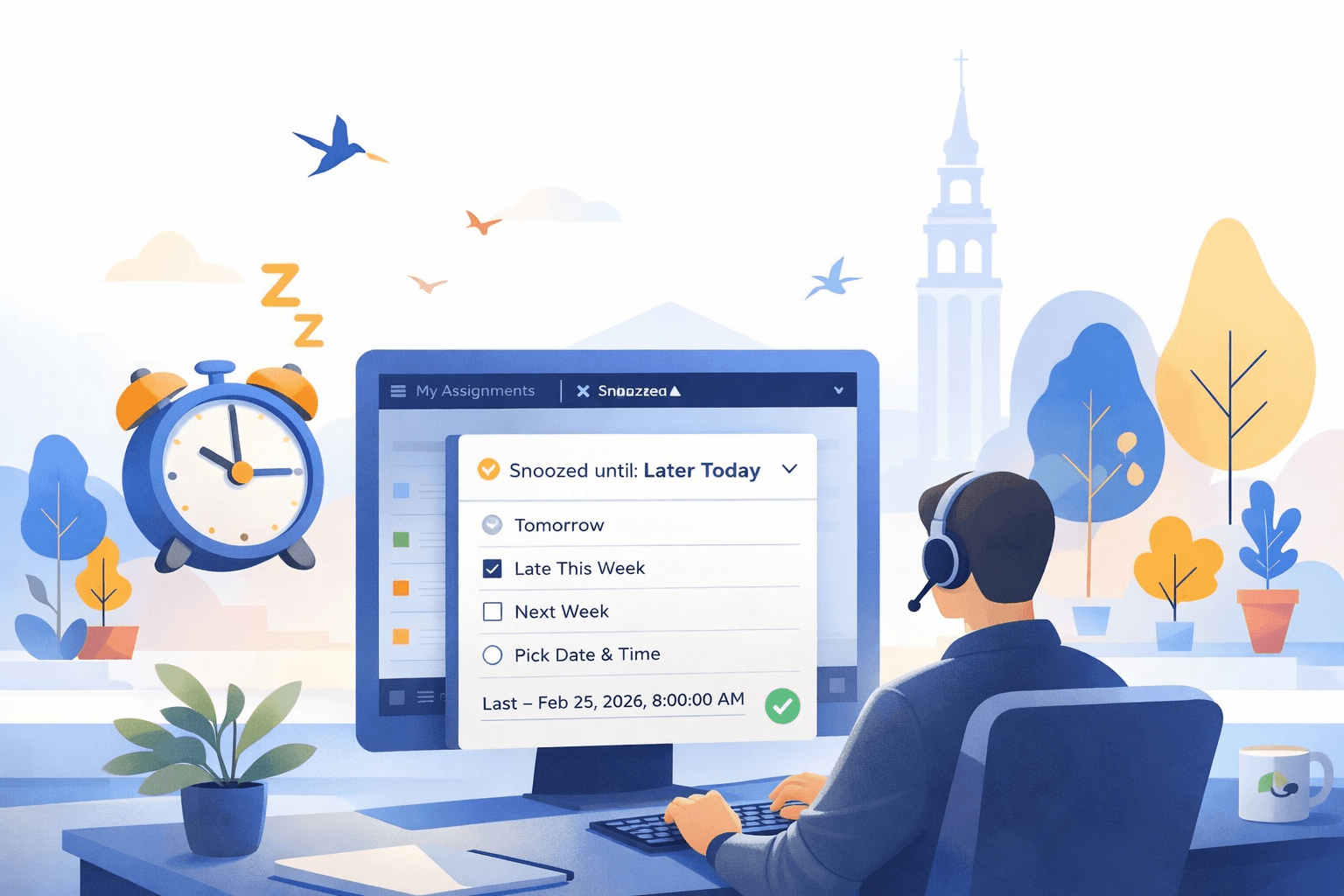
Ticket Snooze Has Arrived
Ticket Snooze in Mojo Helpdesk lets agents temporarily hide tickets and bring them back at a schedul...

Mojo Pro Tip: Stop the Scroll by Linking Directly to a Ticket Comment
Stop wasting time scrolling through long ticket threads. Share a direct link to any comment or staff...
Mojo Pro Tip: Use the Watch List to Stay Informed on Ticket Updates
Stay informed on ticket updates without taking ownership. Use the Watch List to receive notification...
2026 January Release Notes
January focused on making Mojo Helpdesk faster, clearer, and easier to use, with improvements to tic...

Mojo Helpdesk at TCEA 2026: What We Heard from Education IT Teams
At TCEA 2026, we saw clear signals across the expo floor, from AI supporting teachers and students t...

Clarity at a Glance: New Status and Priority Icons
Spot what needs attention instantly. Mojo Helpdesk is introducing new status and priority icons that...
Mojo Pro Tip: Automate Recurring Tasks with the Mojo Scheduler
The Mojo Scheduler automatically creates recurring tickets for routine tasks like maintenance checks...

Mojo Pro Tip: Make the Helpdesk Yours with Your Own Domain Name
Make your helpdesk feel like part of your brand. Set up a custom domain for Mojo Helpdesk and build ...

Mojo Pro Tip: Prioritize Tickets Faster with the Customizable Ticket List
Agents can reorder, resize, and sort ticket list columns to match the way they work.
What's New in Mojo: December 2025 Update
Mojo Helpdesk's December updates introduce enhanced ticket list customization, including configurabl...

Video: Augusta University Online Case Study: Help Desk Software for Universities That Scales Without the Chaos
See how Augusta University Online replaced email and spreadsheets with help desk software for univer...